Free to start · optional $4.99 lifetime Pro in the U.S.
RainyDay Jar
Save for the days that rain.
Start with two private savings jars for free. Add or take money, see every move in history, and import a backup. Upgrade once for unlimited jars and JSON export. The app has no account, ads, analytics SDK, or subscription. Your records stay on-device unless you export them.
Two jars are free. Upgrade only if you want more.
- · No account in the app
- · No ads or analytics in the app
- · On-device unless you export
Inside the app
See it before you download.
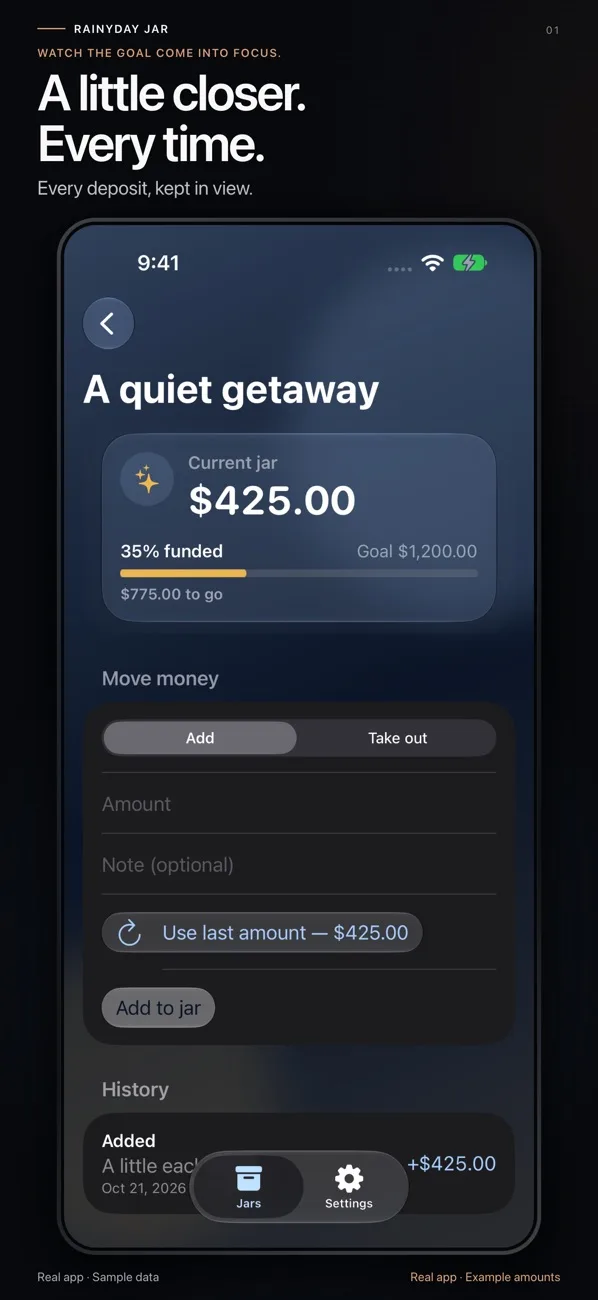
A little closer. Every time.
Every deposit, kept in view.
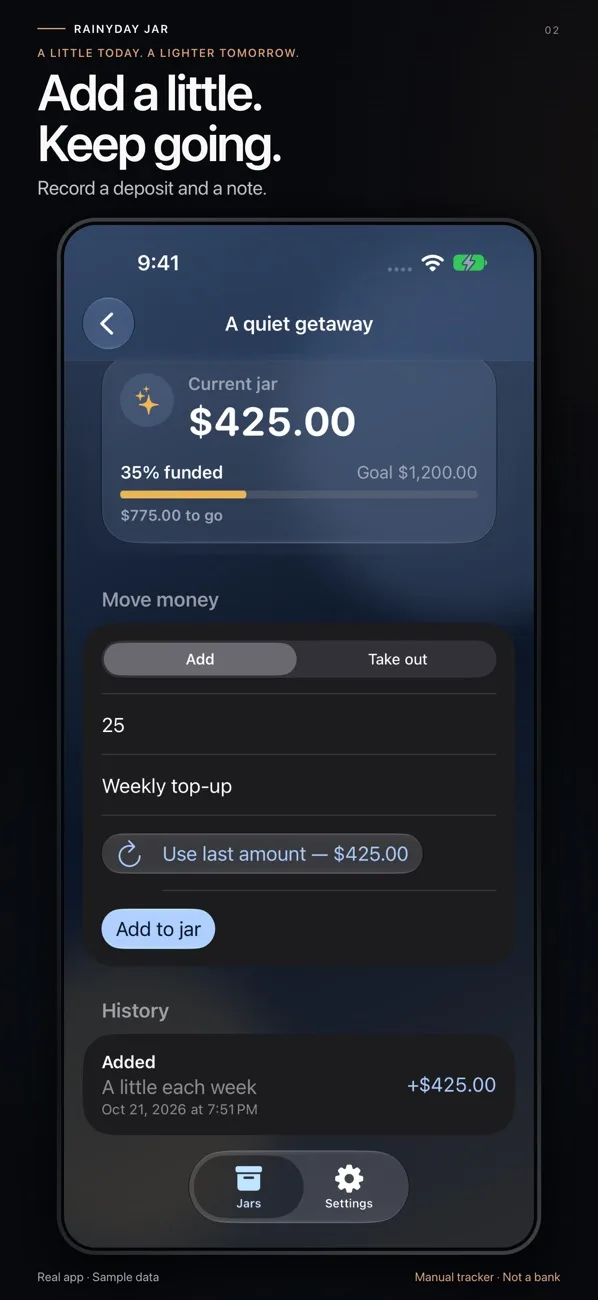
Add a little. Keep going.
Record a deposit and a note.
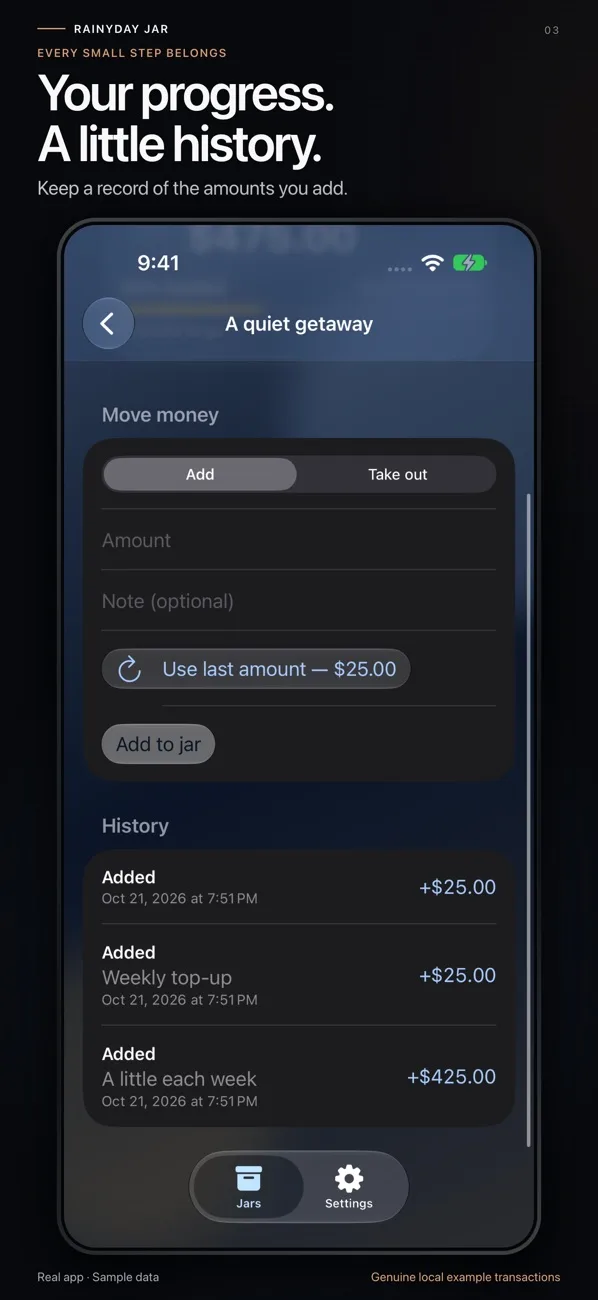
Your progress. A little history.
Keep a record of the amounts you add.
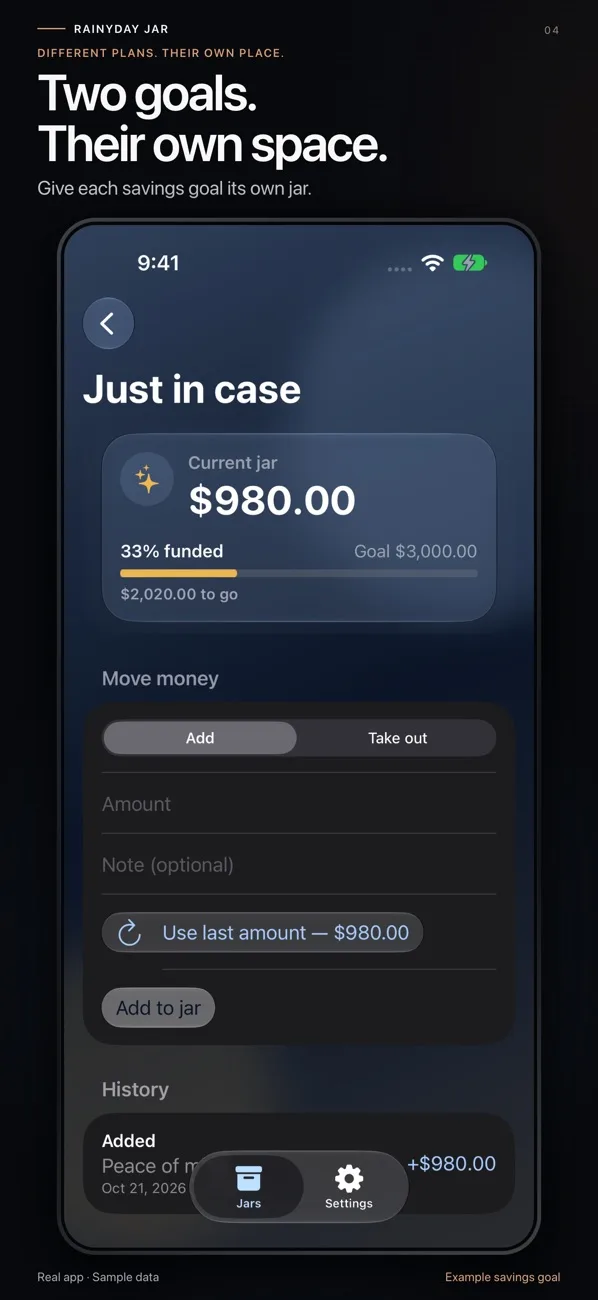
Two goals. Their own space.
Give each savings goal its own jar.
- 1
Add or take
Two free jars. Drop money in. Take out only when the day rains.
- 2
See history
Every add and take stays on your phone. Know the balance at a glance.
- 3
Unlock more
Pro removes the two-jar limit and adds JSON export. $4.99 once.
Free
Start here.
- · Two jars
- · Add and take out
- · History
- · JSON import
Pro
$4.99 once
- · Unlimited jars
- · JSON export

Before you download
Start with the everyday task you want to make easier. The feature lists above separate what is included from optional paid extras, so you can decide whether RainyDay Jar fits your routine before opening the store. Preview images illustrate the experience; the App Store listing is the place to check current device compatibility, version details, regional pricing, and available languages.
Purchases are processed by Apple. Review the price and any renewal terms in the confirmation sheet before accepting a purchase. Keep important records backed up using the export or backup options supported by your chosen tool; restoring a purchase and restoring personal records are different tasks. Our purchase and backup help explains where to start. Read the product-specific privacy policy above for details on optional services, or see our website data practices.