Free to start · optional $9.99 lifetime Pro in the U.S.
TuckTag
Stop opening every bin.
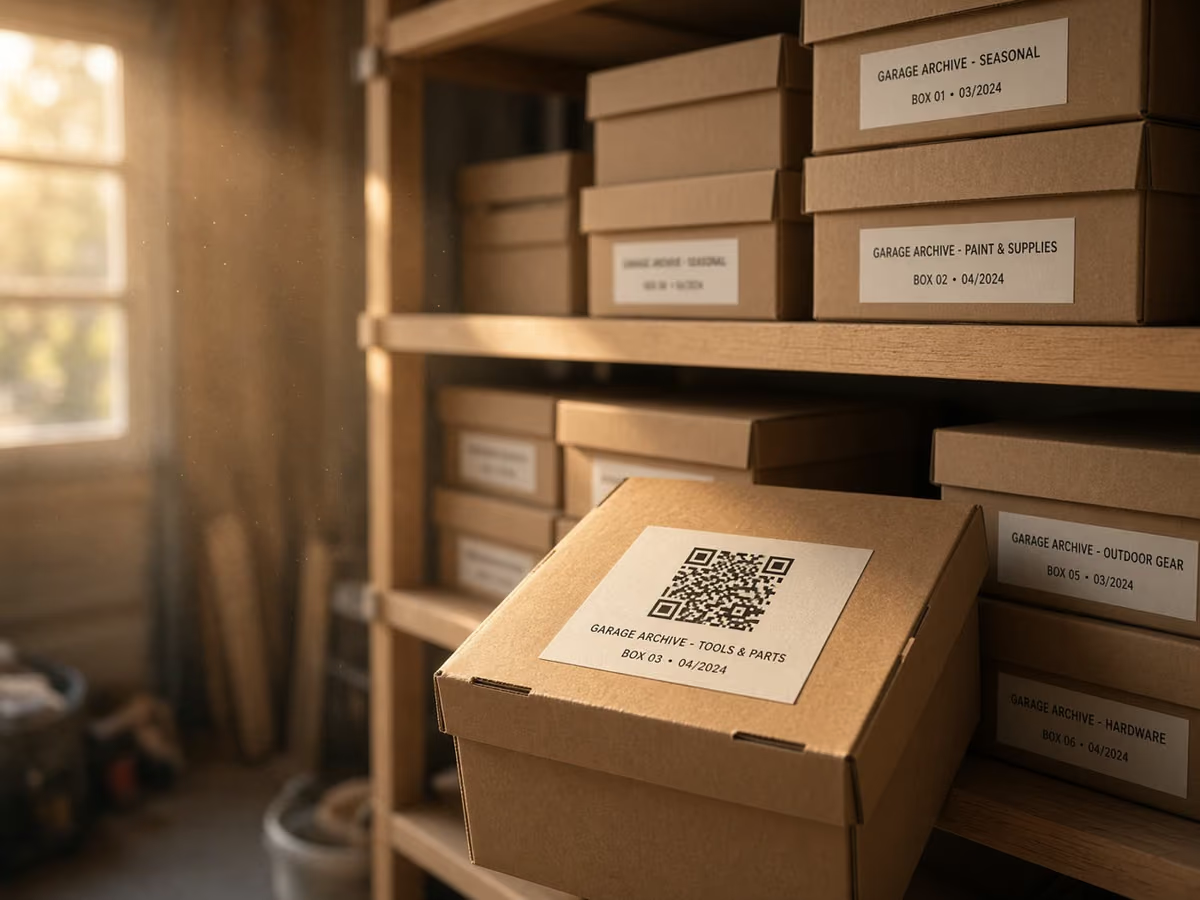
Remember which box holds the camping gear, holiday lights, or spare cables. Save your items, add a QR label, then search or scan to reopen that saved list. Start free with 10 containers and 100 active items. No TuckTag account or ads. The free library stays on this device; TuckTag Pro can also sync through your iCloud.
10 containers and 100 active items are free. No subscription.
- · No TuckTag account
- · No ads or trackers
- · On-device; Pro can use iCloud
App Store screenshots
See it before you download.
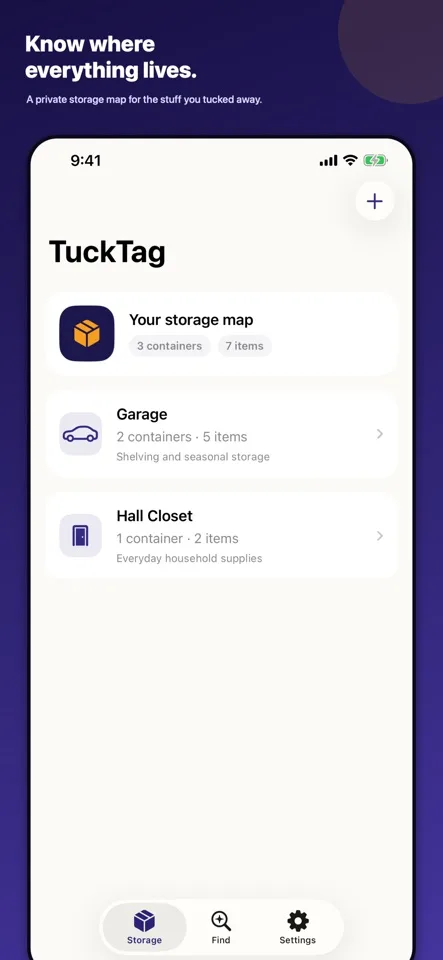
Your storage map
Keep your spaces and containers together.
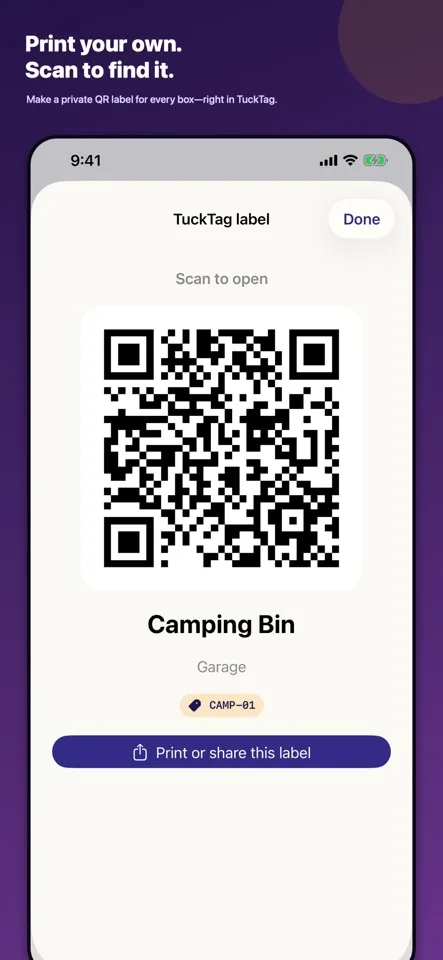
Print your label
A label opens the container record you saved.
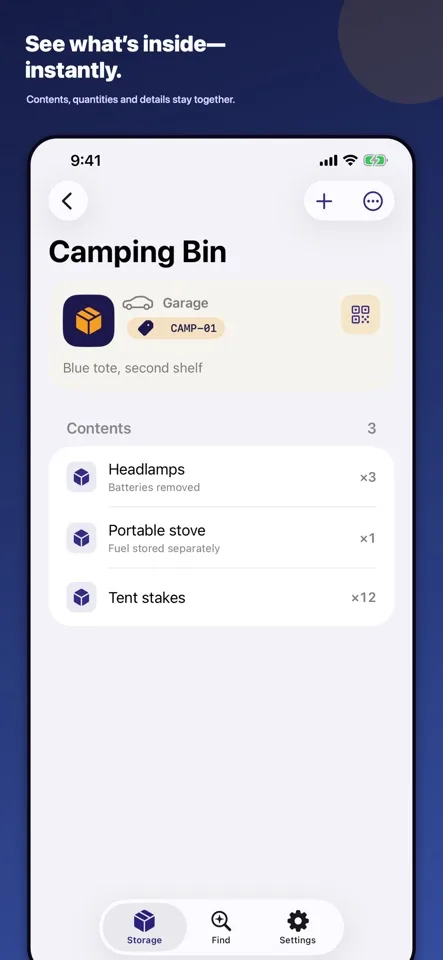
Remember the contents
Item names, quantities, photos, and notes you add.
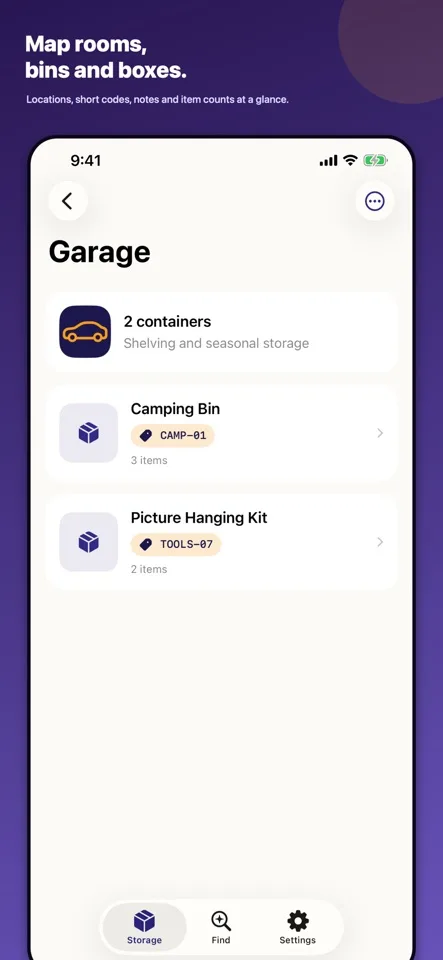
Give each box a place
Map rooms, bins, and boxes without an account.
- 1
Save what you store
Create a container and add its items, photos, quantities, or notes. Your saved list is what you’ll find later.
- 2
Add its QR label
Print or share a single label for free. Stick it on the matching box or bin. Pro adds multi-label PDF sheets.
- 3
Scan to find
Search your saved inventory, scan the label, or enter its short code. QR labels reopen your records; they don’t detect physical contents.
Free
Start here.
- · 10 containers and 100 active items
- · Search, QR scan, and short-code lookup
- · Single QR labels
- · Import your backup
Optional TuckTag Pro
$9.99 once in the U.S.
- · Unlimited containers and items
- · iCloud sync across your Apple devices
- · Printable multi-label PDF sheets
- · Complete JSON backup export
- · CSV inventory export
One purchase, no recurring bill. The App Store shows your local price before you buy.
Before you download
Start with the everyday task you want to make easier. The feature lists above separate what is included from optional paid extras, so you can decide whether TuckTag fits your routine before opening the store. Preview images illustrate the experience; the App Store listing is the place to check current device compatibility, version details, regional pricing, and available languages.
Purchases are processed by Apple. Review the price and any renewal terms in the confirmation sheet before accepting a purchase. Keep important records backed up using the export or backup options supported by your chosen tool; restoring a purchase and restoring personal records are different tasks. Our purchase and backup help explains where to start. Read the product-specific privacy policy above for details on optional services, or see our website data practices.